
TL;DR:
- Updating and verifying business listings ensures customers find current contact information and details.
- Regular quarterly audits maintain listing accuracy and improve local search rankings over time.
- Managing listings across platforms with expert help saves time and prevents inconsistent, outdated information.
A potential customer searches for your business, finds an old phone number, calls it, gets nothing, and moves on to your competitor. That scenario plays out thousands of times every day across the country, and it costs real money. Claiming and verifying profiles on major platforms is the foundation of fixing this, but most business owners don’t know where to start. This guide walks you through every step, from gathering the right documents to monitoring your listings long after the initial update, so no customer ever hits a dead end again.
Table of Contents
- Understand what you need before updating listings
- Step-by-step: How to update your Google Business Profile
- Yelp, Apple Maps, and Bing Places: Platform-specific update steps
- Maintain accuracy: Monitoring and auditing your listings
- Why annual audits aren’t enough: The overlooked risk of listing neglect
- Boost your visibility with expert help
- Frequently asked questions
Key Takeaways
| Point | Details |
|---|---|
| Consistency matters | Matching your business details across platforms is essential for trust and search engine rankings. |
| Verification comes first | Claim and verify ownership on each platform before making any edits to your listings. |
| Quarterly audits | Regularly reviewing listings prevents errors, outdated info, and missed opportunities with new customers. |
| Leverage photos and reviews | Active profiles with fresh images and review responses attract more customers and encourage engagement. |
Understand what you need before updating listings
Before you touch a single platform, you need a solid foundation. Jumping into updates without preparation is how inconsistencies sneak in, and inconsistencies are exactly what hurt your local search rankings.
Start by creating a NAP master document. NAP stands for Name, Address, Phone, and it should include your exact business name (no abbreviations unless that’s your legal name), your full street address, your primary phone number, your website URL, and your business hours for every day of the week. This document becomes your single source of truth.
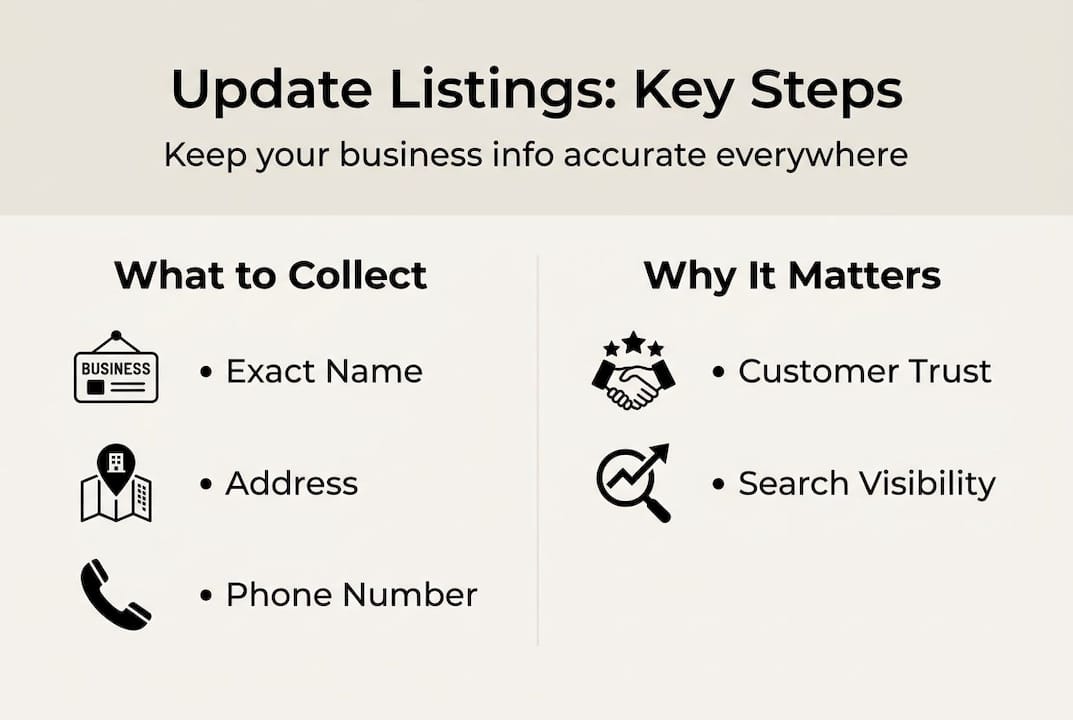
Next, gather your platform credentials. You’ll need login access to each directory, plus access to the phone number or email address used for verification. Platforms won’t let you edit anything until ownership is confirmed, so GBP verification and optimization should be your starting point before moving to secondary directories.
Here’s a quick checklist of what to have ready:
- NAP master document (saved and version-controlled)
- High-resolution logo and at least 5 business photos
- Short and long brand descriptions (150 and 300 words)
- Business category selections for each platform
- Access to verification phone/email for each account
The business listings management strategies you use will only be as strong as the prep work behind them. Here’s a simple overview of the top four platforms to prioritize:
| Platform | Free to Claim | Verification Method | Update Speed |
|---|---|---|---|
| Google Business Profile | Yes | Phone, email, video | 1 to 3 days |
| Apple Business Connect | Yes | Email or SMS | 1 to 5 days |
| Yelp | Yes | Phone PIN | Immediate |
| Bing Places | Yes | Phone or postcard | 1 to 7 days |
Once your documents are ready and your logins are organized, you’re set to start editing with confidence.
Step-by-step: How to update your Google Business Profile
Google is where the majority of local searches happen, so this is your highest-priority listing. Getting it right sets the tone for everything else.
Here’s how to update your Google Business Profile from start to finish:
- Go to business.google.com and sign in with your Google account.
- Search for your business name. If it appears, click “Claim this business.” If not, select “Add your business.”
- Choose the correct business category. This affects which searches you appear in, so be specific.
- Enter your NAP details exactly as they appear in your master document.
- Select a verification method. Google typically offers phone, email, or a short video walkthrough of your location.
- Once verified, go to your dashboard and fill in every available field: hours, website, attributes (like “wheelchair accessible” or “free Wi-Fi”), and a keyword-rich business description.
- Upload photos. Profiles with photos get significantly more requests for directions and calls than those without.
- Review any Google-suggested edits under the “Updates from Google” section and accept or reject them manually.
Important: Google can and does suggest changes to your listing based on user activity and third-party data. If you don’t monitor these, your address or hours could be changed without your approval.
Pro Tip: Turn on Google notifications for your profile so you get an alert any time a suggested edit is submitted. This takes about 30 seconds to set up and can save you from weeks of incorrect information being live.
For ongoing improvements, focusing on improving Google visibility through regular posts and photo updates keeps your profile active and signals to Google that your business is current.
Yelp, Apple Maps, and Bing Places: Platform-specific update steps
Each platform has its own quirks. What works on Google won’t always translate directly, and skipping platform-specific steps is a fast way to get edits rejected.
Yelp uses a multi-stage verification process that includes a phone PIN and a manual review of your NAP and metadata for consistency. If your submitted information doesn’t match what’s already indexed about your business, the edit can be flagged or delayed. Go to biz.yelp.com, search for your business, and click “Claim this business.” After phone verification, update your hours, categories, photos, and business description. Yelp also lets you add a menu or services list, which boosts engagement.
Apple Business Connect (which controls how your business appears on Apple Maps) is accessed at businessconnect.apple.com. Create an Apple ID if needed, then search for your business. Verification comes via email or SMS. Once inside, update your Apple Maps and Bing listings with the same NAP details from your master document.
Bing Places connects directly to your Microsoft account. Visit bingplaces.com and import your Google Business Profile data to save time, then verify via phone or postcard.
Here’s a comparison of key differences:
| Platform | Biggest Pitfall | Best Feature |
|---|---|---|
| Yelp | NAP mismatch causes rejections | Review management tools |
| Apple Maps | Slow verification timeline | Massive iOS user reach |
| Bing Places | Often overlooked | GBP import saves time |
Pro Tip: Schedule a quarterly listing review across all four platforms. Set a recurring calendar reminder and spend 20 minutes checking each profile for accuracy, new reviews, and any platform-suggested changes.
Using local listings effectively means treating each platform as its own audience, not just a copy-paste job.
- Check that business hours reflect seasonal changes
- Confirm photos are current and show your actual location or products
- Verify that the phone number rings to the right place
- Look for duplicate listings and request their removal
Maintain accuracy: Monitoring and auditing your listings
Updating your listings once is a good start. Keeping them accurate over time is what actually drives results.

Platforms like Google and Yelp allow users and even automated systems to suggest edits to your business information. If you’re not watching, those suggestions can go live and send customers to the wrong address or show incorrect hours. Prioritizing photos, keyword-rich descriptions, and responding to reviews are all part of an active listing strategy that signals trust to both platforms and customers.
Here’s what to check during every quarterly audit:
- Business name, address, and phone number on every platform
- Website URL (check that it resolves correctly, not a redirect error)
- Hours of operation, including holiday hours
- Photos (remove outdated images, add new ones)
- Customer reviews (respond to all, flag any spam or inaccurate ones)
- Pending platform-suggested edits
Statistic to know: Businesses that actively respond to reviews and keep listings updated see measurably higher engagement rates in views, calls, and direction requests compared to those that don’t.
Pro Tip: Before spending money on a paid listing aggregator, use the free analytics built into Google Business Profile and Yelp. These dashboards show you how many people viewed your listing, called your number, or asked for directions. That data tells you which platforms are actually driving traffic.
For improving local search rankings, consistency across all listings is one of the strongest signals you can send to search engines. And for ongoing business listing maintenance, a simple spreadsheet tracking your last audit date per platform is often all you need.
Why annual audits aren’t enough: The overlooked risk of listing neglect
Here’s something most guides won’t tell you: a once-a-year audit creates a false sense of security. You check everything in January, feel good about it, and then by April, a data scraper has pulled your old address from a defunct directory and pushed it back onto Google as a suggested edit. You don’t see it. A customer does.
The uncomfortable truth is that your listings exist in a constantly shifting ecosystem. Platforms pull data from third-party aggregators, users submit changes, and algorithms make automated updates. None of that stops because you did a thorough audit six months ago.
Most of your potential customers find you through maps and directory searches, not your website. That means the accuracy of your listings is more important than almost any other piece of your digital presence. One wrong digit in a phone number can erase weeks of marketing spend.
Ongoing online presence management isn’t a one-time project. It’s a rhythm. Businesses that treat it that way build the kind of consistent, trustworthy online presence that converts searchers into paying customers. The ones that don’t are constantly playing catch-up, usually after a customer complains.
Boost your visibility with expert help
If staying on top of all these platforms feels overwhelming, you’re not alone, and there’s help available. Managing four or more listings, monitoring for unauthorized changes, and keeping everything consistent across platforms is a real time commitment.

At ibrand.media, we work with small and medium-sized businesses to handle exactly this kind of work. From SEO for small businesses to full listing management, we build strategies that keep your information accurate and your visibility growing. We also help with optimizing websites for search so your online presence works together, not in silos. If you’re ready to stop worrying about whether your listings are correct and start focusing on running your business, let’s talk.
Frequently asked questions
What happens if I don’t update my business listings?
Outdated listings lead directly to lost sales, frustrated customers, and a damaged reputation online. Inaccurate business info is one of the most preventable causes of missed local business opportunities.
How often should I audit my business listings?
Review all listings at least every quarter, and immediately after any business change like a new phone number, address, or hours. Quarterly audits using free tools are enough for most small businesses before considering paid aggregators.
What does NAP consistency mean?
NAP stands for Name, Address, Phone, and consistency means your business information is identical across every platform. NAP consistency checks are part of how platforms like Yelp validate your listing before approving edits.
Can I update business listings for multiple locations at once?
Yes, platforms like Google and Apple offer centralized management tools and APIs for multi-location businesses. Centralized group management prevents the chaos of updating each location manually and reduces the risk of inconsistencies.
Is it worth paying for a listing aggregator service?
For most small businesses, the free tools built into Google and Yelp are sufficient to start. Free analytics tools give you enough data to prioritize where your time goes before committing to a paid service.
Recent Comments