
If your map pack ranking dropped, do not change ten things at once. First confirm the drop is real by checking calls, direction requests and website clicks, not just one ranking check. Then match the pattern to a cause: a suspension or profile edit, a review problem, a conflicting listing, a stronger competitor, or a broader shake-up. Then make the one fix that fits. Most drops are fixable, and the order you work in matters more than speed.
This guide walks through that order for local business owners: how to tell noise from a real loss, the six usual causes and what each looks like, and a recovery plan that keeps you from making things worse.
TL;DR
- Check business results first. If calls, direction requests and website clicks held steady, you may be looking at noise, not a loss.
- Look for a suspension or unverified notice in your Google Business Profile before anything else. It is the most severe cause and has its own fix.
- Local results rest on relevance, distance and prominence, so a competitor improving can push you down even if you changed nothing.
- Change one thing at a time. Multiple edits after one bad scan make it impossible to know what helped or hurt.
- Track weekly from several points around your location, not from one phone on one day.
Table of Contents
- First, confirm the drop is real
- How the map pack decides who shows up
- The six usual causes of a map pack drop
- Quick diagnosis table
- What to do, in order
- How long does recovery take, and how do you track it?
- Reducing the risk of the next drop
- Our perspective
- When to bring in help
- FAQ
- Sources
First, confirm the drop is real
A ranking check from one device on one day can be noise. Before you diagnose anything, look at what the profile actually delivers: calls, direction requests and website clicks. If those fell along with your position, the drop is real. If they are flat, you probably saw a one-off fluctuation.
The second trap is location. Map pack results shift with where the searcher stands, so the same query from two spots a few miles apart can show different businesses. Checking from your office, where you have always ranked well, tells you little about a customer searching from across town.
Do this before touching anything:
- Open your Google Business Profile performance data and compare the last 4 weeks to the 4 weeks before.
- Search your top three terms from at least four points around your service area, in a private window.
- Write down the date, the term, the spot and what you saw. A simple spreadsheet is enough.
- Note the shape of the loss. Did you drop everywhere, or only in one direction or one radius? A broad drop points to your profile or a wide update. A drop in one corner usually points to a competitor that opened or improved nearby.
Matching the cause to the shape of the symptom is the most reliable way to separate a profile problem from a competitive one. Hold that thought, because the sections below follow it.
How the map pack decides who shows up
You cannot diagnose a drop without knowing what moved. Google says local results are based mainly on relevance, distance and prominence, and that more reviews and positive ratings can help your local ranking. Google also states there is no way to pay for a better local ranking.
In plain terms:
- Relevance: how well your profile matches what the person searched. Your categories, services and description do this work.
- Distance: how close your business is to the searcher, or to the location they named. You cannot change it, but you can see when it works against you.
- Prominence: how well known your business is, from reviews, ratings, links and mentions across the web. When two businesses are equally relevant and equally close, prominence is the tiebreaker.
Every cause below is a change in one of these three. That is a useful filter: when you spot a possible cause, ask which of the three it touched.
The six usual causes of a map pack drop
1. A suspension or verification problem
This is the one to rule out first because it is the most damaging. A suspended profile is hidden from public search, so you do not slide down, you vanish. Check your profile for any notice that it is unverified, disabled or suspended. Search Engine Land’s local audit guide lists this as a first check.
If you find one, the fix is a reinstatement request with documentation, not SEO. Your evidence needs to match what the listing says: the same business name and address on your profile, your website and your documents. We cover that process in our 60-minute evidence kit for Google Business Profile reinstatement and the broader suspension guide for small businesses.
2. A profile edit that changed relevance
Did anyone touch the profile in the weeks before the drop? Common culprits are a changed primary category, a rewritten business name, edited hours, a moved pin, or a changed address or service area. Employees, agencies, and even Google-suggested edits can do this. Check the profile’s edit history and your own records.
Google says businesses with complete and accurate information, including address, hours, category and attributes, are more likely to show in relevant local results. So a change that makes the profile less complete or less accurate is a prime suspect. If the edit is clearly the cause, reverse it.
Service-area businesses deserve a special look. According to Search Engine Land, service-area businesses that hide their address as required typically rank below competitors with visible addresses. If you recently hid your address, that could explain a slide. Our guide to Google Business Profile service areas covers the rules, and the service area business SEO playbook covers how to compete under them.
3. A review pattern shift
Reviews feed prominence, so changes here show up in rankings. Three patterns to look for:
- Reviews disappeared. Google’s own help community describes missing or removed reviews as often tied to automated policy filters, such as reviews posted from the same IP address, forbidden content, or sudden surges. Asking ten happy customers to leave reviews from the shop’s Wi-Fi in one afternoon is a classic way to trigger this.
- Reviews slowed down. If you used to collect several a month and stopped, competitors who keep collecting can overtake you.
- Rating fell. A few recent one-star reviews can move your average. Respond to them politely and specifically.
The fix is boring and effective: a steady, natural flow of reviews from real customers, spread over time, plus a reply to every review. Google lists responding to reviews among the ways to keep your profile strong.
4. Listing or citation conflicts
If your name, address or phone number differ across directories, or an old duplicate listing exists from a move or a rebrand, Google gets mixed signals about who and where you are. Search your phone number and old addresses. Merge or remove duplicates, and correct the major directories first. Our local listings optimization tips walk through the cleanup.
5. A stronger competitor
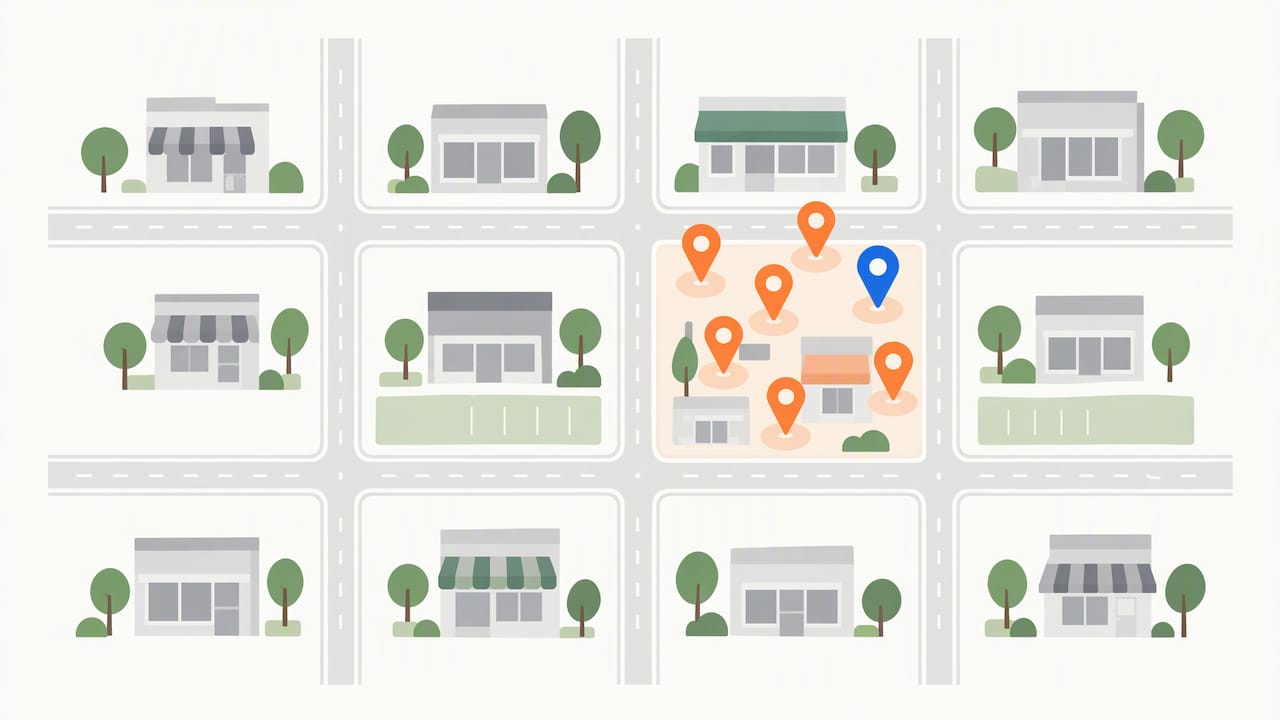
Sometimes you did nothing wrong. If competitors improve their listings, reviews or proximity signals, your position can drop even though your profile is untouched. A new business opening closer to the searcher, or an established one that started collecting reviews and posting photos, will take spots.
This is where the shape of the drop helps. Losses concentrated in one part of your area and one new name appearing there point to a competitor. Your response is to improve your relevance and prominence, not to tinker with what already works.
6. A broader ranking shake-up
Google changes its systems often, and local results can move at once for many businesses. Local pack volatility can even be specific to certain coordinates, so a broad drop and a local fluctuation are different things. If many businesses in your category report the same movement and your profile is clean, a wait-and-watch approach is usually right. Make no changes in a panic, and keep tracking.
Quick diagnosis table
| What you see | Likely cause | First move |
|---|---|---|
| Profile missing from search entirely | Suspension or verification issue | Check the profile for a notice, then prepare reinstatement documents |
| Drop right after a name, category, address or hours change | Profile edit | Reverse or correct the edit, then re-check in a few weeks |
| Review count fell or new reviews stopped | Review filter or slowed velocity | Read the policy, reply to reviews, restart a natural request routine |
| Drop only on one side of your area, new rival visible | Competitor | Improve categories, services, photos and reviews |
| Drop everywhere, clean profile, others affected too | Broader update | Hold steady, track weekly |
| Business results flat, one odd scan | Noise | Keep tracking from several points |
What to do, in order
SEO professionals warn against panic-adjusting a profile after one bad scan. If you change your categories, description, photos and website in one weekend, you will never know which change helped or hurt. Work like this instead:
- Confirm and document. Business results plus multi-point checks, as above.
- Rule out suspension. If found, stop everything else and file the reinstatement request with matching documentation.
- Audit recent edits. Compare the profile now to how it looked before the drop. Reverse the one change most likely to be the cause.
- Check reviews. Count, rating, recent dates and any removed reviews.
- Clean up listings. Consistent name, address and phone everywhere.
- Strengthen the profile. Accurate primary category, complete services, current hours, fresh photos. Our Google Business Profile tips and the full profile guide cover the details.
- Re-check on a schedule. Same terms, same points, same day each week.
For wider reading on lifting rankings after the emergency is over, see improving local search rankings for small businesses.
How long does recovery take, and how do you track it?
Nobody can honestly promise a date. A reinstated profile may come back once Google approves the request, while a drop from weaker prominence recovers only as your reviews, listings and relevance improve against competitors who are also improving. What we can say is how to measure progress without fooling yourself.
Track three things weekly:
- Position at fixed points. Pick five to nine points around your service area and check the same terms at the same time of day. A grid-style local rank tracker does this automatically, but a spreadsheet works for one or two terms.
- Business actions. Calls, direction requests and website clicks from your profile performance data. This is the number that pays the bills.
- Review velocity. New reviews per month, and your average rating.
Judge by trend over several weeks, not by any single day. If positions climb at some points and not others, you have found where the real competition sits.
Reducing the risk of the next drop
Google’s guidance for staying visible is simple: verify your business, keep information complete and accurate, and respond to reviews. Add a few habits of your own:
- Limit who can edit the profile, and keep a log of every change with its date.
- Keep your name exactly as it appears on your signage and website. Do not add keywords to it.
- Ask for reviews continuously and individually, never in bulk batches.
- Review the profile monthly: hours, holiday hours, services, photos.
- Keep your website’s name, address and phone number matching the profile.
Our perspective
We see the same mistake again and again with local owners: a bad week, a flurry of edits, and then no idea what fixed or broke things. Our view is that the map pack rewards calm, consistent work. Verify, keep the facts accurate, earn real reviews, and measure from more than one spot. Most of the work we do for local businesses is not clever. It is catching the one edit, the one conflicting listing or the one gap in reviews that quietly cost a spot, and then fixing it once, cleanly.
We also think owners should know what they can and cannot control. You cannot control a competitor opening next door or a Google update. You can control whether your profile is accurate, active and well reviewed when those things happen.
— TONY
When to bring in help
If your profile is suspended, if you cannot find the cause after a clean audit, or if you simply do not have the hours to run reviews, listings and tracking, it makes sense to hand it over. IBrand Media offers local marketing, SEO optimization and Google Business Profile support for small and local businesses, with a custom plan for each client and real-time performance tracking. See our local marketing and SEO services or send us your profile and we will tell you what we find.
FAQ
Can I pay Google to get my map pack ranking back?
No. Google states there is no way to pay for a better local ranking. Ads can appear separately, but the organic local results depend on relevance, distance and prominence. Your effort is better spent on profile accuracy and reviews.
Why do I rank differently on my phone than my customer does?
Because results depend on where the searcher is. The same search from two spots a few miles apart can show different businesses. That is why you should check from several points around your service area and trust business results like calls and direction requests over a single scan.
Will my ranking come back on its own?
Sometimes. A temporary fluctuation or a broad update may settle without action, which is why we suggest tracking for a few weeks before big changes. A suspension, an incorrect edit or weak reviews will not fix themselves, so those need action.
Should I delete my profile and start a new one?
No. A new profile loses your reviews and history, and duplicates can trigger conflicts that make things worse. Fix the cause on the existing profile instead, and merge or remove any old duplicates.
Sources
- Tips to improve your local ranking on Google, Google Business Profile Help
- Local SEO Audit Guide: How to Improve Local Rankings, Search Engine Land
- My Google Business Profile reviews have suddenly decreased, Google Business Profile Community
Recent Comments