
A Google Business Profile service area tells Google, and the people searching, which cities, ZIP codes or regions you travel to. You can list up to 20 of them, and your overall area should stay within about two hours of driving from where your business is based. If you are a plumber, HVAC contractor, mobile med spa or any business that goes to the customer, this is one of the few settings on your profile that you fully control. Most owners set it once and never look at it again.
This guide covers who can use service areas, how to set them, how to choose them, and the mistakes that get profiles flagged.
TL;DR
- You can add up to 20 service areas, each a city, postal code or similar area. A radius in miles is not an option.
- Keep the whole area within roughly two hours of driving from your base, and list only places you serve regularly.
- If customers never visit your address, hide it. If you also have a staffed storefront, show it.
- A service area helps people find you, but it does not replace a real, eligible address for ranking in the local pack.
- Never put city names or keywords in your business name. Use the description and categories instead.
Table of Contents
- What a service area is, and who gets one
- The rules that matter most
- How to set your service areas, step by step
- How to choose which areas to list
- Service areas do not replace a real address
- Mistakes that get service-area profiles flagged
- Our perspective: service areas are a filter, not a billboard
- Beyond the profile: helping customers find you in each area
- Want a second pair of eyes on your profile?
- FAQ
- Sources
What a service area is, and who gets one
Google sorts businesses into three types, and the type decides whether service areas apply to you. The Business Profile help page on service areas describes them like this:
| Type | How you serve customers | Address on profile | Service areas |
|---|---|---|---|
| Service-area business | You visit or deliver to customers and do not serve them at your address (a plumber, for example) | Hidden | Yes |
| Hybrid business | You serve customers at your address and also go to them (a restaurant that delivers, for example) | Shown | Yes |
| Storefront | You only serve customers on site | Shown | No |
The test is simple. Do customers come to a place you staff during stated hours? If yes, you are a storefront or hybrid. If you only go to them, you are a service-area business. Google’s own service business overview walks through this choice before you start.
Typical service-area businesses in our client base are plumbers, HVAC companies, home contractors, cleaners and mobile service providers. Typical hybrids are a med spa with a treatment room that also offers house calls, or a banquet hall that also caters off-site.
The rules that matter most
20 areas, defined by place, not radius
Google allows up to 20 service areas, set by city, postal code or other area. You pick from suggestions or type a place name. You cannot draw a circle or enter “within 25 miles.”
The two-hour boundary
Google says the boundaries of your overall service area shouldn’t be more than about 2 hours of driving time from your base. Twenty areas is a ceiling, not a target. A crew in Buffalo that adds Rochester, Syracuse and Erie because they are “sort of nearby” is stretching it.
One profile for the whole area
Google’s guidance is that service-area businesses can only have one profile for the whole area they serve. Creating a separate listing for every town you work in is the fastest way to look like spam.
Hide your address if customers don’t visit
Google’s help page says that if you don’t serve customers at your business address, you should remove it from your profile. You still enter a real address so Google can verify you. Customers then see only your service areas, as AdCamp’s setup walkthrough also explains.
How to set your service areas, step by step
Google’s service area instructions and its 2026 best practices playbook give the same path:
- Sign in and open your Business Profile.
- Select Edit profile, then Location.
- Next to “Service area,” select Edit.
- Choose a suggested area or type one in.
- Select Save.
If you are creating the profile from scratch, the sign-up flow asks whether you have a location customers can visit. Answer honestly, because that single question decides whether your address shows.
To remove an area, use the same Location screen and delete it under the selected areas list.
How to choose which areas to list
This is where most owners go wrong. The common belief is that the more places you list, the more places you rank. Experts who work with home service operators say the opposite: listing marginal areas you don’t regularly serve can be ineffective and may even draw a policy review. Their advice is to declare the cities and ZIP codes where you provide regular, same-day or next-day service.
A practical way to build your list:
- Pull your last 12 months of jobs. Group them by city or ZIP code.
- Rank by revenue, not by job count. Ten water heater replacements may outweigh forty small repairs.
- Keep the places you would happily drive to tomorrow. If a call from that town would make you groan, leave it off.
- Fill the list from the center outward. Start with your home city and the towns around it, then stop when you hit the places you serve only occasionally.
- Check the outer edge against the two-hour guideline.
A worked example
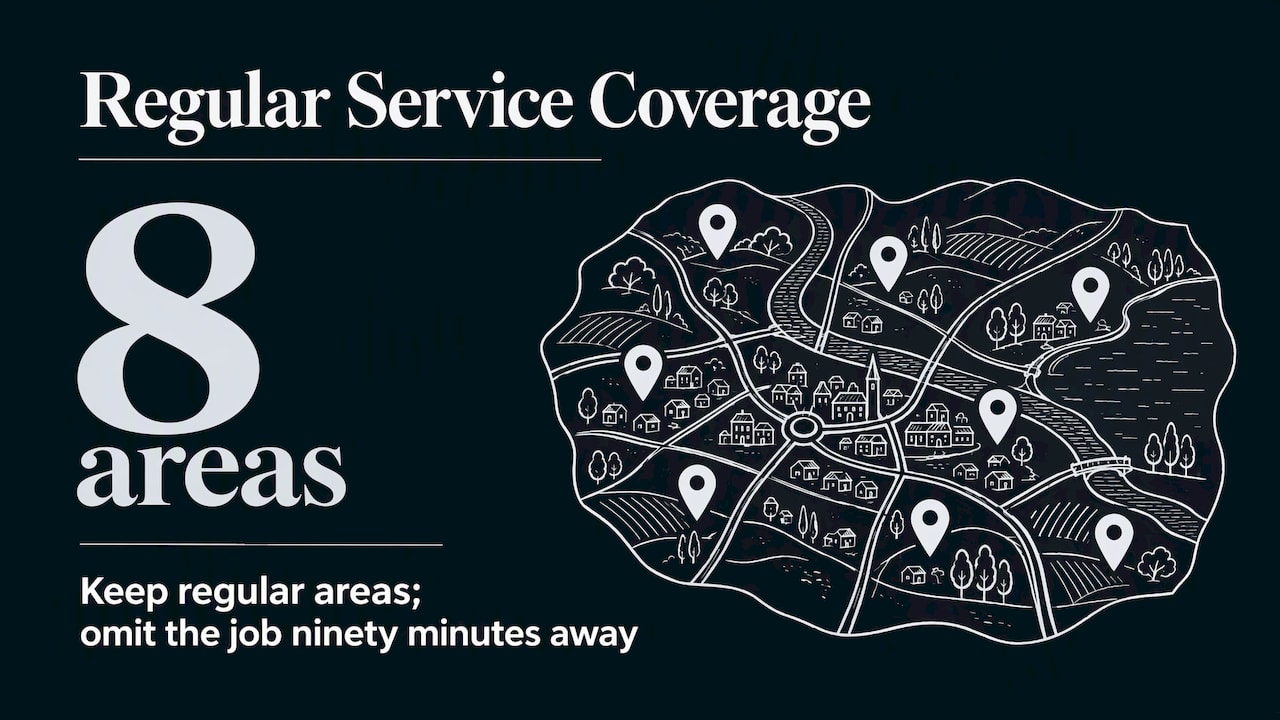
Say you run an HVAC company based in a mid-sized suburb. Your jobs cluster in your own town, five neighboring towns, and two fast-growing communities twenty minutes away. That is eight areas. You also took one big commercial job ninety minutes out last summer. Leave it off. Eight honest areas beat twenty hopeful ones, and you can add a ninth when you actually start serving it regularly.
Service areas do not replace a real address
Google’s ranking leans heavily on proximity. Service areas help customers find you, but experts note they are not a substitute for a legitimate physical address when it comes to local pack visibility. Searchers near a shop often see that shop first.
So the question is not “which setup ranks better?” but “what are we, honestly?” Google’s guidelines for representing your business say a storefront should be staffed and accessible during stated hours. If that describes you, show your address. If you work out of your garage or a truck and customers never come, hide it and let service areas do the work.
Be careful with the shortcuts:
- Virtual offices, P.O. boxes and co-working desks are generally ineligible as a profile address unless your own team staffs them during stated hours with permanent signage, per Google’s guidelines.
- A friend’s shop or a mailbox store fails the same test.
- Your home address is fine to enter for verification if you work from home. Hide it so customers don’t see it.
Mistakes that get service-area profiles flagged
Stuffing the business name
Adding a city or service to your name (“Best Plumber Dallas 24/7”) is a classic trigger for suspension. Google asks you to represent your business as it is recognized in the real world, on signage and stationery. Promotional language belongs in the description and categories, not the name field, as Service Anchor’s home service verification guide stresses.
Choosing a vague category
Home service businesses should avoid generic categories like “Local services” and choose a specific one such as “HVAC contractor” or “Mover,” according to the same guide. A precise primary category tells Google which searches you belong in, and the service areas then say where.
Switching business type casually
Changing from storefront to service-area, or back, can trigger re-verification. The advice there is to make that change on its own, not bundled with a name or category edit, and to have your verification evidence ready. If your profile earns you calls today, don’t touch three sensitive fields on the same afternoon.
Setting it and forgetting it
You add a crew, drop a town, or open a shop. Your profile should change with you. Put a quarterly check on the calendar: are the listed areas still where the trucks go?
Our perspective: service areas are a filter, not a billboard
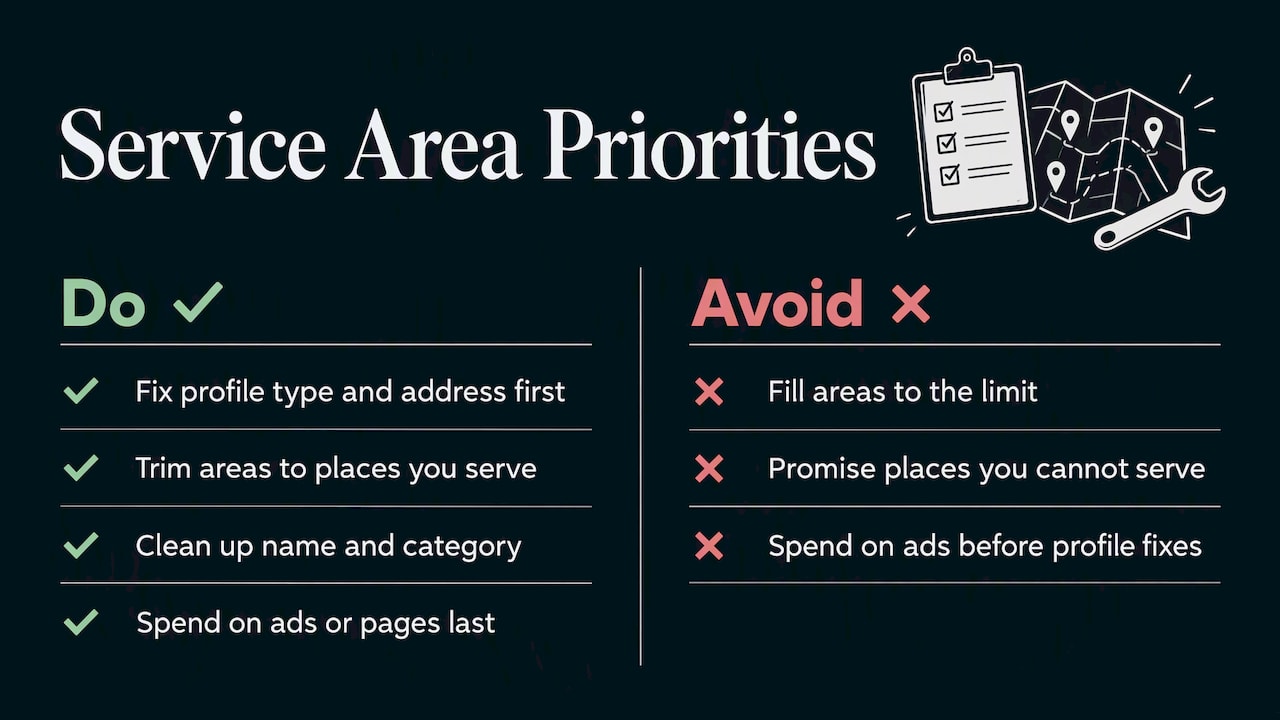
We see the same pattern with local service owners. They treat the service area box as free advertising space and fill it to the limit. Then they wonder why the calls from the far edge never come, or why the profile gets a review notice.
Our view is that a service area is a promise. It says: call us from here and we will show up, on time, at a price that makes sense. A profile that promises less but keeps it earns better reviews, and reviews do more for local visibility than a longer list of towns. We pair the service area list with the rest of the local picture: a precise category, a real description, photos of the work, and a website with a page for each main town you serve. We cover that last piece in our service area business SEO playbook and our guide to local service area marketing.
For a budget-conscious owner, the order of work matters. Fix the profile type and address first, trim the areas to the places you serve, clean up the name and category, and only then spend money on ads or extra pages. It costs nothing but an hour and it keeps you out of trouble.
— TONY
Beyond the profile: helping customers find you in each area
The profile is one piece. To show up when someone in a neighboring town searches, the rest of your presence should agree with it:
- Website pages per area. One useful page per main city, with real project details, not a copied template with the town name swapped.
- Consistent listings. Your name, phone and service areas should match across directories. See our local listings optimization tips.
- Reviews that mention the work. Ask happy customers to say what you fixed and where, in their own words.
- Understanding the signals. Our overview of local SEO ranking factors explains how proximity, relevance and prominence work together.
If you want a broader walkthrough of the profile itself, start with our Google Business Profile guide.
Want a second pair of eyes on your profile?
If you would rather hand this off, we run local SEO and Google Business Profile work for small and local businesses, from service area cleanup to location pages, ads and performance tracking. We build a custom plan for each client and show results through real-time stats. Take a look at our services and request a plan.
FAQ
How many service areas can you have on Google Business Profile?
You can have up to 20, according to Google’s help page. Each one is a city, postal code or other defined area. The whole area should stay within about two hours of driving from your base.
How do I set my service area on my Google Business Profile?
Open your profile, choose Edit profile, then Location, and select Edit next to “Service area.” Pick a suggestion or type a place, then save. Only service-area and hybrid businesses see this option.
Should I show my address if I have a service area?
Only if customers can visit you at a location you staff during stated hours. If you go to customers and they don’t come to you, Google says to remove your address from the profile. A hybrid business shows its address and adds service areas on top.
Can I set a service area by radius or miles?
No. Google’s service areas are defined by cities, postal codes or similar areas, not by distance. To cover a radius in practice, list the specific towns and ZIP codes inside it that you actually serve.
Do more service areas help me rank in more towns?
Not reliably. Experts say listing places you rarely serve can be ineffective and may invite a policy review. Proximity still matters a great deal, so focus on the places where you work regularly.
Sources
- Manage your service areas for service-area & hybrid businesses, Google Business Profile Help
- Guidelines for representing your business on Google, Google Business Profile Help
- Business Profile for service businesses overview, Google Business Profile Help
- Sign up for Business Profile, Google Business Profile Help
- GBP Best Practices Playbook 2026, Google
- How to Verify Your Google Business Profile, Service Anchor
- Google Business Profile Service Area Business Setup, AdCamp
Recent Comments