
Disavow spam backlinks only if you have a manual action from Google or a large volume of spammy, low-quality links that outreach alone can’t remove. The disavow tool lives inside Search Console, not a third-party dashboard. Before uploading anything, run a full backlink audit and start removal outreach to the sites linking to you. For most sites, that first step is also the last one you’ll ever need.
TL;DR:
- Prioritize suspicious referring domains over individual URLs; a domain directive covers every link from that root domain, while subfolders cannot be targeted.
- A new upload replaces the entire list for that Search Console property, so download the current file and preserve an offline, versioned master copy.
- Google may take weeks to incorporate a disavow as it recrawls pages, and ranking changes may take longer; monitor links, traffic, and manual actions.
- Keep dated evidence and annotate each flagged entry with its source, reason for concern, and outreach history before requesting reconsideration.
Table of Contents
- Decide if disavowing is necessary
- How to identify spammy or low-quality backlinks to target
- Create a correct disavow file (format, examples, pitfalls)
- Upload procedure, timing, and aftercare
- How we approach disavow and penalty recovery
- Why a conservative, documented approach wins
- Get hands-on help with backlink cleanup
- FAQ
- Sources
Decide if disavowing is necessary
Google’s own guidance treats the disavow tool as a recovery mechanism, not a routine maintenance task. The clearest case for using it is a manual action tied to unnatural links, or a pattern of spammy links so large that individual outreach is not realistic. Outside those two scenarios, Google’s disavow documentation notes that using the tool preemptively often yields no benefit and risks stripping out links that were actually helping you.
Most sites never need to touch it. Google’s systems are built to recognize and filter low-quality links on their own, which is why a handful of spammy backlinks rarely moves rankings in either direction.
Before you decide, gather evidence:
- A manual action notice in Search Console, if one exists
- An exported list of backlinks showing volume and source domains
- A record of any sudden spike in links from unrelated or low-authority domains
- Screenshots or saved copies of suspicious linking pages, since they can disappear
Watch for signs of a coordinated attack, like hundreds of links appearing overnight from gambling, pharmaceutical, or adult content domains you have no relationship with. That pattern suggests negative SEO rather than organic spam.
Pro Tip: Keep every piece of evidence in a dated folder before you touch the disavow tool. If you ever need to request reconsideration, that paper trail matters.
How to identify spammy or low-quality backlinks to target
Not every odd-looking link is dangerous, so triage matters before you build any list. Pull your full link data from the Links report in Search Console, then cross-reference it with an exported backlink list from a crawler-based analysis tool for a fuller picture of anchor text and referring domains.
Look for these patterns as you review:
- Links sitting on pages with no topical connection to your business or industry.
- Doorway pages built purely to funnel link equity, with thin or duplicated content.
- Link farm patterns, where dozens of unrelated domains share the same template or hosting footprint.
- Repetitive, keyword-stuffed anchor text that reads unnatural compared to how real sites link to you.
- Domains with no organic traffic, no indexed pages beyond the linking page, or expired-domain characteristics.
Once you’ve flagged candidates, prioritize by domain rather than individual URL. A domain sending fifty spammy links does more damage than fifty one-off links from fifty different low-quality sites, and disavowing at the domain level clears the whole problem in one line.
Annotate each entry as you go: where you found it, why it’s flagged, and whether you’ve attempted outreach. Those notes become the comments in your disavow file and the evidence behind any removal request you send.
Create a correct disavow file (format, examples, pitfalls)
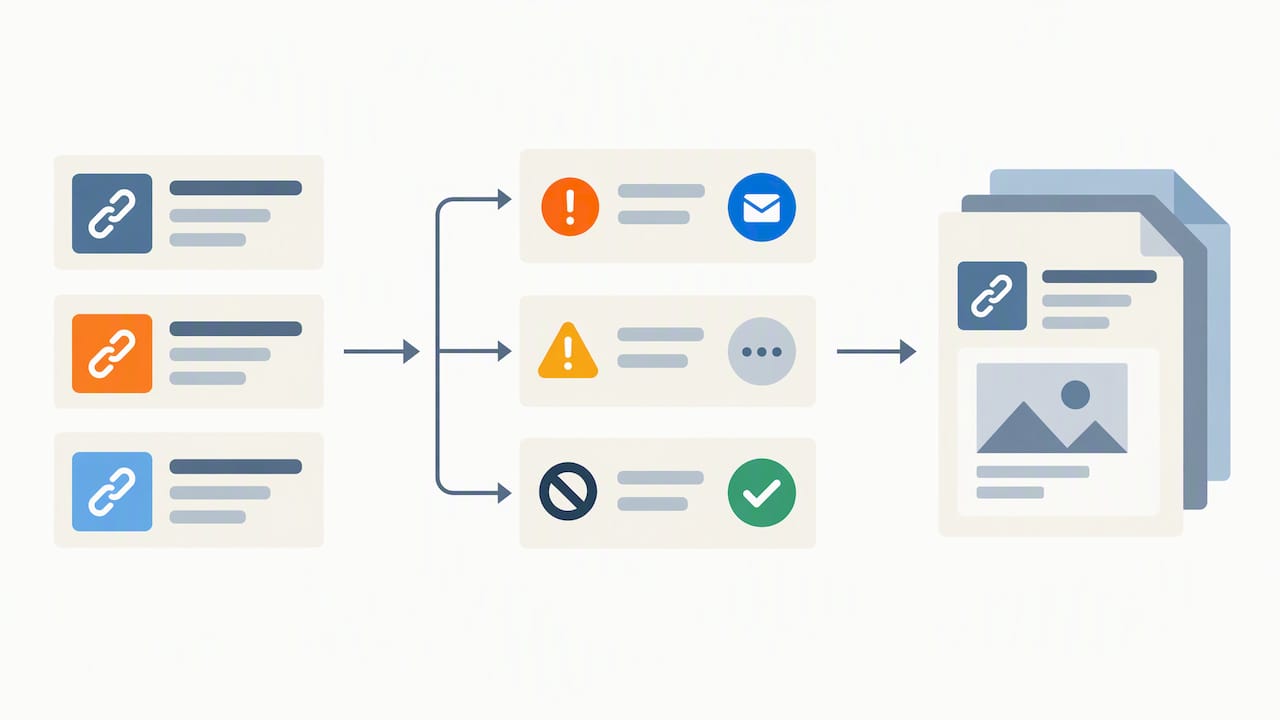
The disavow file is a plain text file with strict formatting rules. Each line holds either a single URL or a domain directive, and Search Console’s documentation is the authoritative source for the exact syntax:
- One entry per line, no extra formatting or markup.
- Lines starting with
#are treated as comments and ignored by Google, so use them to date and label sections. - To disavow an entire domain, write
domain:example.comrather than listing individual pages. - Save the file as plain text (.txt) with UTF-8 encoding and stay under the size limit Search Console specifies on the upload page.
A short example block looks like this:
Disavow file, reviewed March 2026
Spam network flagged in backlink audit
domain:spamlinknetwork.example https://lowquality.example/thin-article-page
One detail trips up almost everyone: you cannot disavow a subpath like example.com/blog/. The tool only accepts individual URLs or entire root domains, so site owners who try to target just a folder waste the effort, according to Google’s own guidance.
The bigger warning is that uploading a new file replaces your entire existing disavow list for that property, it does not add to it. Always download your current file before making changes, and keep a master copy offline with version history so you never lose links you disavowed months earlier.
Upload procedure, timing, and aftercare
Uploading is simple, but getting it right the first time avoids a second round of waiting.
- Open the disavow tool in Search Console and select the correct property, since the list is tied to a specific site, not your whole account.
- Upload your finished .txt file and confirm the preview matches what you intended, since this submission replaces the prior list entirely.
- Watch for error messages, usually caused by encoding issues, blank lines, or a malformed
domain:entry, and fix the flagged lines before resubmitting.
Google doesn’t send a confirmation that specific links have been discounted. Industry guidance from Search Engine Land notes that a disavow can take weeks to be fully incorporated as Google recrawls and reprocesses the affected pages, and sometimes longer before any ranking effect becomes visible.
During that window, monitor three things: the Links report for changes in referring domains, organic traffic trends, and whether a manual action clears if one was filed. If weeks pass with no movement and a manual action is still active, that’s usually the point to escalate with a reconsideration request or bring in outside help.
How we approach disavow and penalty recovery
We run disavow work as the last step of a longer process, not the first move. Our workflow starts with a full backlink audit, moves into direct removal outreach to webmasters, and only then builds a curated disavow file, followed by weeks of monitoring to confirm recovery actually held.
- Audit every referring domain before anything gets flagged for removal or disavow.
- Send outreach requests and document every response, or lack of one.
- Build the disavow file last, with dated comments tied to our audit notes.
- Track rankings and the Links report after upload to confirm the fix worked.
That sequence is the same one behind our documented Google penalty recovery work, where SMB clients saw manual actions resolve within a window of a few weeks. If your case involves a confirmed manual action or a link volume too large to triage alone, that’s usually the point where hiring help outpaces doing it solo.
Pro Tip: If you’re unsure whether your situation needs professional eyes, a confirmed manual action is the clearest signal that it does.
Why a conservative, documented approach wins
Overusing the disavow tool is the most common mistake we see, often from site owners reacting to a ranking dip that had nothing to do with backlinks. A documented, evidence-led process protects you twice: it keeps you from cutting links that were helping, and it gives you a record if you ever need to appeal a manual action.
Version your master disavow file, log every outreach attempt with dates, and treat disavow as risk reduction, not a guaranteed fix for a traffic drop.
— TONY
Get hands-on help with backlink cleanup
Sorting spammy links from safe ones, chasing webmasters for removals, and building a disavow file correctly takes real hours, and getting any of it wrong can cost you link equity you still need. We handle backlink audits, removal outreach, disavow file management, and full penalty recovery as part of our broader SEO optimization work for small and local businesses.

Our services also cover:
- Backlink audits that separate genuine risk from noise
- Direct outreach to webmasters for link removal
- Disavow file creation and ongoing management
- Monitoring through recovery, tied to our penalty recovery process
Request a free audit through our team and find out whether your link profile actually needs disavowing, or just a cleanup plan.
FAQ
How do I disavow a backlink?
Export the backlink from your Links report, add it as a single line in a plain text disavow file, and upload that file through Search Console for the correct property. Try to get it removed or marked nofollow by the linking site first, since Google treats genuine removal as preferable to disavowal.
What is a disavow file in SEO?
A disavow file is a plain text list of URLs or domains you’re asking Google not to count as links to your site, submitted through Search Console. Uploading a new file replaces the existing list entirely, so keeping an offline master copy with comments is standard practice.
Are backlinks still relevant for SEO?
Backlinks remain a meaningful ranking signal, but not every ranking shift ties back to them. Google’s broader spam updates, like the August 2025 spam update, target a wide range of spam patterns and aren’t always link-specific, so a traffic dip deserves a full diagnosis before you assume backlinks are the cause.
What is Google’s Disavow Tool and how do I use it?
Google’s Disavow Tool is a Search Console feature that lets you ask Google to ignore specific backlinks or entire domains when evaluating your site. You upload a formatted .txt file listing the links or domains, understanding that each upload replaces your prior submission for that property, and Google handles the actual filtering through its own automated systems and spam policies.
Sources
- Disavow links to your site – Search Console Help
- Disavowing Backlinks: How to Safely Remove Toxic Links
- Google August 2025 Spam Update Rolls Out
- Defending Search users from “Parasite SEO” spam
Recent Comments